FastAPI for Beginners: Build Your First Python API
Install FastAPI, build and run your first Python API, and see automatic docs and request validation, and build a CRUD to-do API. No previous FastAPI experience needed.
Introduction
Every app you use talks to a server through an API. When your phone shows the weather, it asks an API for it and gets data back.
FastAPI is a Python framework for building those APIs. This guide covers FastAPI for beginners: you will install it, build your first API, and test it in your browser in a few minutes. No previous FastAPI experience is needed. If you know basic Python, you are ready.
What Is FastAPI?
Think of an API as a waiter in a restaurant. You (the client) ask for something, the waiter takes the request to the kitchen (the server), and brings back your order (the data).
FastAPI helps you build that waiter in Python. You write normal Python functions, and FastAPI turns them into web endpoints that return JSON.
- What it does: receives HTTP requests, runs your Python function, and sends back a response.
- Why it is useful: very little code gets you a working, documented API.
- Where it is used: backends for web and mobile apps, microservices, and serving machine learning models.
Why Choose FastAPI?
- High performance: it is built on Starlette and Pydantic and is one of the faster Python frameworks. Your database and code still decide real-world speed.
- Automatic API documentation: an interactive docs page is generated for you.
- Automatic request validation: bad input is rejected with a clear error before your code runs.
- Python type hints: you declare
name: str, and FastAPI uses it for validation, docs and editor autocompletion. - Async support: you can write
async defendpoints when your code waits on other services.
FastAPI vs Django REST Framework
If you know Django, you may wonder how FastAPI compares with Django REST Framework (DRF). Both are good choices for different jobs.
| FastAPI | Django REST Framework | |
|---|---|---|
| Main purpose | A lightweight framework built for APIs | An API toolkit added to a full Django project |
| Learning curve | Small to start; one file is enough | Learn Django first, then DRF |
| Built-in features | Validation, API docs, async. You choose your own database tools | Django's ORM, admin panel, authentication and permissions |
| API development | Type hints and Pydantic models | Serializers, viewsets and routers |
| Common use cases | Microservices, ML model serving, async-heavy APIs | Database-heavy apps that also need an admin and full web features |
Install FastAPI
First, create a virtual environment. It keeps this project's packages separate from the rest of your system.
python -m venv .venvActivate it. The command depends on your operating system:
# macOS and Linux
source .venv/bin/activate

# Windows
.venv\Scripts\activate
Then install FastAPI. The [standard] extra adds Uvicorn (the server that runs your app) and the fastapi command:
pip install "fastapi[standard]"Build Your First FastAPI Application
Create a file named main.py:
from fastapi import FastAPI

app = FastAPI()


@app.get("/")
def home():
    return {"message": "Hello, FastAPI!"}
from fastapi import FastAPIimports the framework.app = FastAPI()creates your application.@app.get("/")says "run the function below when someone sends a GET request to/".return {...}sends a Python dictionary, which FastAPI converts to JSON.
Run the Application
Start the development server from the folder that contains main.py:
fastapi dev main.py 🌐 Server started at http://127.0.0.1:8000
Documentation at http://127.0.0.1:8000/docs
Open http://127.0.0.1:8000/ in your browser. You will see:
{"message": "Hello, FastAPI!"}Now open http://127.0.0.1:8000/docs. This is the interactive API documentation FastAPI built for you. Click an endpoint, then Try it out and Execute to call it from the page.
fastapi dev reloads automatically when you save a file, so keep it running while you code. Press Ctrl+C to stop it.
Create a Simple API Endpoint
Let's greet people by name. Add this to main.py:
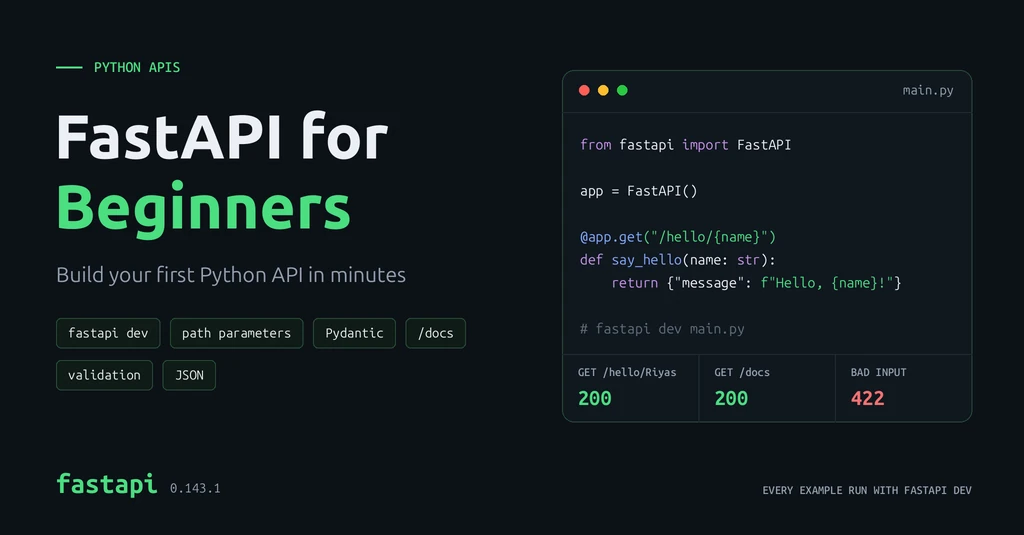
@app.get("/hello/{name}")
def say_hello(name: str):
    return {"message": f"Hello, {name}!"}
{name} is a path parameter: a variable part of the URL. Whatever the user puts there is passed to your function as name. It works like a fill-in-the-blank form.
Request:
GET http://127.0.0.1:8000/hello/Riyas
Response:
{"message": "Hello, Riyas!"}What Makes FastAPI Special?
Open /docs again. Your new endpoint is already there, with its name parameter. You wrote no documentation; FastAPI read it from your code.
Validation works the same way. To accept JSON data, describe its shape with a Pydantic model, a class that lists each field and its type. FastAPI checks every request against it.
Here is the complete main.py with all three endpoints:
from fastapi import FastAPI
from pydantic import BaseModel

app = FastAPI()


class Book(BaseModel):
    title: str
    author: str
    price: float


@app.get("/")
def home():
    return {"message": "Hello, FastAPI!"}


@app.get("/hello/{name}")
def say_hello(name: str):
    return {"message": f"Hello, {name}!"}


@app.post("/books")
def create_book(book: Book):
    return {"saved": book}
Send a valid book to POST /books (use Try it out on the docs page):
{"title": "Python Basics", "author": "Asha", "price": 299.0}FastAPI returns it with status 200. Now send bad data, with no author and a price that is not a number:
{"title": "Python Basics", "price": "cheap"}Your function never runs. FastAPI replies with status 422 and explains each problem (shortened here):
{
  "detail": [
    {"type": "missing", "loc": ["body", "author"], "msg": "Field required"},
    {"type": "float_parsing", "loc": ["body", "price"],
     "msg": "Input should be a valid number, unable to parse string as a number"}
  ]
}
Three typed fields in a class gave you validation, clear error messages and documentation.
Build a CRUD API: A To-Do List
CRUD stands for Create, Read, Update and Delete, the four things most apps do with data. Think of a to-do list: you add tasks, view them, tick them off and remove them.
Each action maps to an HTTP method:
| Action | Method | Endpoint | Success status |
|---|---|---|---|
| Create a task | POST | /tasks | 201 Created |
| List all tasks | GET | /tasks | 200 OK |
| Read one task | GET | /tasks/{task_id} | 200 OK |
| Update a task | PUT | /tasks/{task_id} | 200 OK |
| Delete a task | DELETE | /tasks/{task_id} | 204 No Content |
Create a new file named todo.py:
from itertools import count

from fastapi import FastAPI, HTTPException
from pydantic import BaseModel

app = FastAPI()


class TaskIn(BaseModel):
    title: str
    done: bool = False


class Task(TaskIn):
    id: int


tasks: dict[int, Task] = {}
ids = count(1)


def find_task(task_id: int) -> Task:
    if task_id not in tasks:
        raise HTTPException(status_code=404, detail="Task not found")
    return tasks[task_id]


@app.post("/tasks", status_code=201)
def create_task(data: TaskIn) -> Task:
    task = Task(id=next(ids), **data.model_dump())
    tasks[task.id] = task
    return task


@app.get("/tasks")
def list_tasks() -> list[Task]:
    return list(tasks.values())


@app.get("/tasks/{task_id}")
def get_task(task_id: int) -> Task:
    return find_task(task_id)


@app.put("/tasks/{task_id}")
def update_task(task_id: int, data: TaskIn) -> Task:
    find_task(task_id)
    tasks[task_id] = Task(id=task_id, **data.model_dump())
    return tasks[task_id]


@app.delete("/tasks/{task_id}", status_code=204)
def delete_task(task_id: int) -> None:
    find_task(task_id)
del tasks[task_id]TaskInis what the client sends: a title, anddone, which defaults toFalse.Taskadds theidthat the server assigns.tasksis a dictionary that stores tasks in memory, andcount(1)hands out IDs 1, 2, 3 and so on.find_task()returns a task or stops the request with404 Not Found. Four endpoints share it.-> Taskafter a function tells FastAPI the shape of the response, which also appears in/docs.
Stop the earlier server with Ctrl+C and start this one:
fastapi dev todo.pyTry each step on the /docs page, or with curl in a second terminal. These are the real responses:
POST   /tasks    {"title": "Learn FastAPI"}
201    {"title":"Learn FastAPI","done":false,"id":1}

POST   /tasks    {"title": "Build a CRUD API"}
201    {"title":"Build a CRUD API","done":false,"id":2}

GET    /tasks
200    [{"title":"Learn FastAPI","done":false,"id":1},{"title":"Build a CRUD API","done":false,"id":2}]

PUT    /tasks/1  {"title": "Learn FastAPI", "done": true}
200    {"title":"Learn FastAPI","done":true,"id":1}

DELETE /tasks/2
204    (no body)

GET    /tasks/2
404    {"detail":"Task not found"}
The same command with curl, for the first request:
curl -X POST http://127.0.0.1:8000/tasks \
  -H "Content-Type: application/json" \
  -d '{"title": "Learn FastAPI"}'
Validation still works for free. A task with no title gets 422 and "msg": "Field required", just like the book example.
The tasks live in memory, so they disappear when the server restarts. That keeps the example simple. Real apps store data in a database.
Conclusion
You installed FastAPI, built your first endpoints, used a path parameter, and validated JSON with a Pydantic model. Then you built a full CRUD API for a to-do list, with the right status codes and a 404 for missing tasks. FastAPI documented all of it at /docs.
A good next step is to save the tasks in a database so they survive a restart. SQLModel, from the creator of FastAPI, is a beginner-friendly way to do it. The official FastAPI tutorial walks through each step, and my post on API fundamentals covers REST design and security for when your API grows.